How to connect Peerfold to an AI agent: what GTM AI agents can do with Peerfold in Day AI
Updated
The short answer. To connect Peerfold to an AI agent, sign the agent in to Peerfold's MCP server with your own Peerfold account, so GTM AI agents can see which customers are learning your product and act on it, which brings customer education into AI for GTM instead of leaving it on its own dashboard. Day AI does this under Settings > Connectors: each person clicks Connect on Peerfold and signs in, and their agent uses Peerfold's MCP server to read and write courses, lessons, learners, enrollments, quizzes and certificates, and to report on customer education, whether you use Day AI in place of your CRM or on top of Salesforce or HubSpot.
Say you're a customer success manager, and it's 9:20 on a Monday. The renewal call is at 10, and the customer brought on three new admins last month, which you only know because their champion mentioned it in an email. You ask your Day AI agent to prep the call. Next to the email thread and last quarter's business review, it looks up the account's admins in Peerfold. The two original admins finished the admin course and earned their certificates. The three new ones aren't enrolled in anything. The agent points that out and proposes enrolling all three in the admin course. Each enrollment shows up in the chat as an approval card naming Peerfold and the action. You approve them with a few minutes to spare, and the three new admins are enrolled before the call starts. When the champion asks how to get the new people up to speed, you already have the answer.
Where the usual answer goes wrong. Customer education usually reports to itself: a completions dashboard that the account team never opens, and a renewal conversation that happens somewhere else. The usual fix is a monthly export that arrives after the call it would have helped. Day AI starts from the account, its calls, email and meetings, and reads Peerfold live, so the person running the relationship sees who is trained at the moment it matters, and the agent proposes the enrollment for a person to approve. You may already share a completions report with the success team. That was a sensible start; the agent puts it in front of the right call.
The see, enroll, report cycle for Peerfold, with Day AI
Customer education pays off when it reaches the account conversation. Three moves get it there.
- See who's learning, account by account. A completion rate across all customers can't tell you whether this renewal's admins are trained. In Day AI, the agent looks up the account's people in Peerfold and reads their enrollments, quiz results and certificates live, next to the account's calls and email.
- Enroll the people who need it. A new admin found on a call should be in a course the same day. In Day AI, the agent proposes the Peerfold enrollment in chat, and it waits as an approval card until you approve it.
- Report where the team will read it. Education results belong in the account review, not a separate tool. In Day AI, a skill with Peerfold picked in its Connectors picker reports on customer education on the schedule you choose.
How to connect Peerfold to Day AI
Step 1: Connect your Peerfold account in Day AI
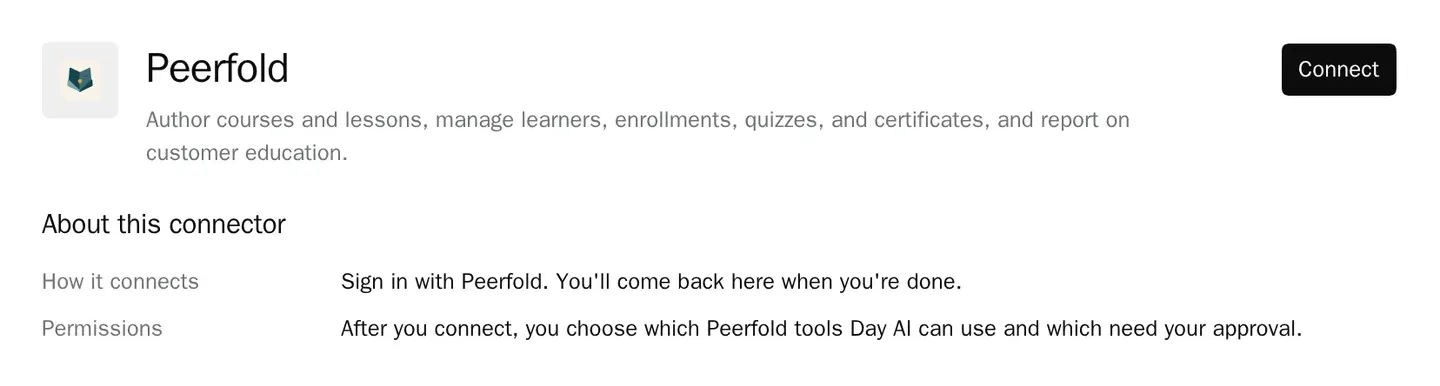
Open Settings > Connectors, search for Peerfold, and click Connect. Sign in with your Peerfold account, and Day AI loads the tools Peerfold's MCP server offers for courses, lessons, learners, enrollments, quizzes, certificates and reporting. There's no workspace setup in Day AI, so each person on the success or education team connects on their own, and the agent works within that person's Peerfold access. Teams that keep product answers in Guru can connect Guru to Day AI the same way. To see what else your agent can reach, browse all Day AI integrations and connectors.
Step 2: Set Peerfold's tool permissions in Day AI
The connector's Tool permissions group Peerfold's tools under Read-only and Write & delete, each with Set all. Reads, such as learner progress and reports, can stay at Always allow so the agent can check training mid-prep. Enrollments, course and lesson edits, quizzes and certificates start at Needs approval. Turn Off anything you never want an agent to change. The + menu in the chat composer turns Peerfold on or off for a single chat.
Step 3: Ask your Day AI agent about customer education
Ask in chat. "Who at Lumen has finished onboarding in Peerfold, and who joined the account since?" reads learners next to the account's email. "Enroll the three admins from today's call in the admin course" proposes the enrollments as approval cards. "Outline a lesson on the new export settings from last week's release call" drafts the lesson in Peerfold for you to approve. You approve what you want, and Peerfold changes.
Step 4: Add Peerfold to a Day AI skill for the monthly report
For the report your leadership reads every month, ask your agent to create a skill, such as a training summary for accounts renewing next quarter, and pick Peerfold in the skill's Connectors picker. A skill uses only the connectors picked there and runs with the connection of the agent's owner. No one is there to approve during a scheduled run, so keep this skill to the training summary and do enrollments from chat.
Where a homemade Peerfold agent breaks
- Exports that arrive late. A spreadsheet of completions lands after the renewal call. In Day AI, the agent reads Peerfold live during meeting prep.
- A shared admin login. One account enrolls everyone, and nobody can tell who did what. In Day AI, each person connects their own Peerfold account.
- Enrollments waiting on a ticket. A CSM asks education to enroll a new admin, and it takes a week. In Day AI, the CSM approves the enrollment the agent proposed, in the same chat.
- Courses that lag the product. Lessons describe last quarter's screens. In Day AI, the agent drafts the lesson update from the release call for your education team to approve.