How to connect Slack to an AI agent: what GTM AI agents can do with Slack in Day AI
Updated
The short answer. To connect Slack to an AI agent, install the agent's Slack app for the company and add it to the channels that matter, so GTM AI agents, the agents that carry out AI for GTM, learn from what customers and teammates say there and answer where your team already talks. Day AI does this as a workspace integration: a workspace Owner connects Slack once under Workspace Settings > Integrations, chooses the channels Day AI joins, and every rep can then talk to their own Day AI agent in Slack and get skill results posted to the channels they pick, whether you use Day AI in place of your CRM or on top of Salesforce or HubSpot.
Picture a Thursday at 3:15, and you're the account executive on a deal that just moved into a security review. The customer's team works with yours in a shared Slack channel, and their IT lead has just asked there for your security documents and a two-week extension on the pilot. You're on another call. Day AI is in that channel, so the request lands on the customer's record next to last week's demo and the email thread with their CFO. When you get out, you open a DM with Day AI in Slack and ask what the customer asked for this week. It lists both requests and who made them. You ask it to create a task for the extension, and it does. At 4:00, #sales-pipeline-updates shows the pipeline skill's note: it would move the deal to Evaluation, and here is why. You read the reason, agree, and tell your agent so. The request that came in at 3:15 didn't wait for you to remember it.
Where the usual answer goes wrong. The usual Slack AI setup is a bot that summarizes a channel when someone asks. That treats Slack as noise to compress, and the summary forgets the customer the moment it's posted. Day AI treats a customer channel as part of the record: what the customer says there sits next to their email and calls, and agents act on it. You may already have a #deals channel where people paste updates. Keep it; Day AI can be the one posting there.
Listen, ask, post: Slack with Day AI
Slack plays three parts for an agent, and each one has its own setting.
- Listen: add Day AI to the channels worth learning from. Customer channels hold requests, bugs and buying signals nobody types into a CRM. In Day AI, an Owner adds public channels from Workspace Settings > Integrations, and private channels are added from inside Slack with
/invite @Day AI. - Ask: talk to your agent where you already are. Switching apps to ask a question is the step people skip. In Day AI, you DM Day AI in the App section of Slack for a private answer, or mention @Day AI in a channel when the whole channel should see it.
- Post: send the agent's work to the right channel. Pipeline changes and recaps are team news. In Day AI, skills post to the channels set in their notification settings, and the pipeline skill shows its reasoning with each update.
How to connect Slack to Day AI
Step 1: Connect Slack to Day AI (workspace Owner)
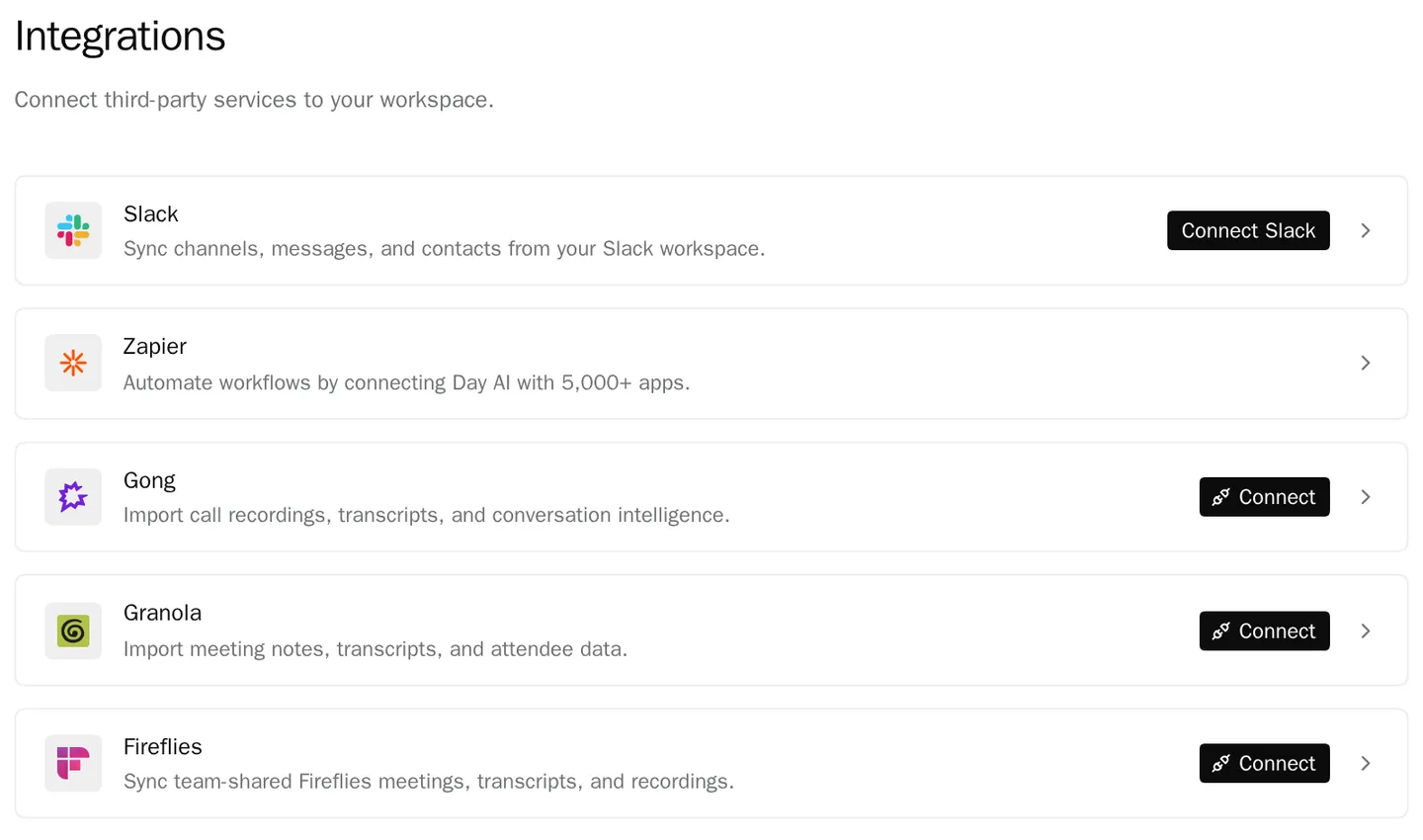
In Day AI, open Workspace Settings > Integrations, find Slack and follow the sign-in to approve the Day AI app for your Slack workspace. Slack is one connection for the whole team, set up by someone with permission to manage workspace settings (the Owner role by default). Members don't connect Slack themselves; if one asks their agent to connect it, the agent can ask an Owner for them.
Step 2: Choose the channels Day AI joins
From the same Slack section in Day AI, add the public channels you want: customer and partner channels, deal rooms, the team channel where pipeline updates should go. For a private channel, someone in it types /invite @Day AI in Slack; Slack requires private channels to be added from inside Slack. The Slack section lists the connected channels, and a Doesn't sync: line says what Day AI never brings in: channels it hasn't been added to, and messages from before it joined. A good first set is every shared customer channel plus one internal channel such as #sales-pipeline-updates.
Step 3: Talk to your Day AI agent in Slack
Each person can open a DM with Day AI from the App section of Slack and ask about your customers, meetings and deals: "What did Lumen ask for in Slack this week?", "Prep me for the 2pm with Orbit", "Add this transcript to the Orbit account." That DM is private. Mention @Day AI in a channel when you want the answer in the open: anyone in the channel sees the question and the reply. To run a skill from Slack, ask for it by name or put its slash command in your message, as in "@Day AI /meeting-prep Orbit"; your agent works from that skill's instructions, as it does in the app. The Day AI Slack page lists the permissions Day AI asks for and what it reads.
Step 4: Send pipeline updates to a Slack channel from Day AI
Pipeline notifications come from the Opportunities: Creation and Stage Movement skill, not from a workspace setting. Set your pipeline up first, then ask your agent: "Set up pipeline notifications in #sales-pipeline-updates." The skill starts in learning mode, telling you what it would create or move and why before it changes anything, and you take it out of learning mode once it's making the calls you would.
Step 5: Have Day AI skills deliver to Slack
Any skill can post its result to a channel. "Every evening, post a summary of today's recorded customer calls to #team-meetings, with key points, action items and attendees" becomes a scheduled skill. A skill can also run when a Slack conversation is summarized, so a request in a customer channel can become a task or a note to the account owner. Scheduled and event-triggered skills post only to the channels set in their notification settings, and agents never post in shared Slack Connect channels unless a person sets that channel in a skill's notifications. For the rest of the stack, see every Day AI integration and connector.
Where a homemade Slack bot breaks
- One bot, one shared brain. A custom bot answers everyone from the same data, private or not. In Day AI, each person's agent answers from what that person can see, and a DM stays private.
- Summaries with no customer behind them. A channel digest knows the channel and nothing else. In Day AI, a customer's Slack messages sit on their record next to their email, meetings and deals.
- Pipeline posts nobody trusts. A webhook that posts stage changes doesn't say why. In Day AI, the pipeline skill posts its reasoning and starts in learning mode.
- Posting where it shouldn't. A bot with channel access can post in a customer's shared channel by mistake. In Day AI, agents post to shared channels only when a person configures that channel in a skill.