Ask Day AI and get answers with Threads
· Michael Pici
A core problem with traditional CRM has always been that you can't easily extract the answers you need. You're forced to click through endless tables, filters, and records just to find basic information. And once you find what you’re looking for, the CRM never helps you actually create anything with it.
Threads transforms your CRM from a passive data repository into an intelligent conversation partner that answers questions, drafts emails, and builds docs for you.
Get instant answers
Start a Thread directly from any meeting recording, person, organization, or opportunity record. Or, hit Command+K, search for what you need, and click "Thread" to get started.
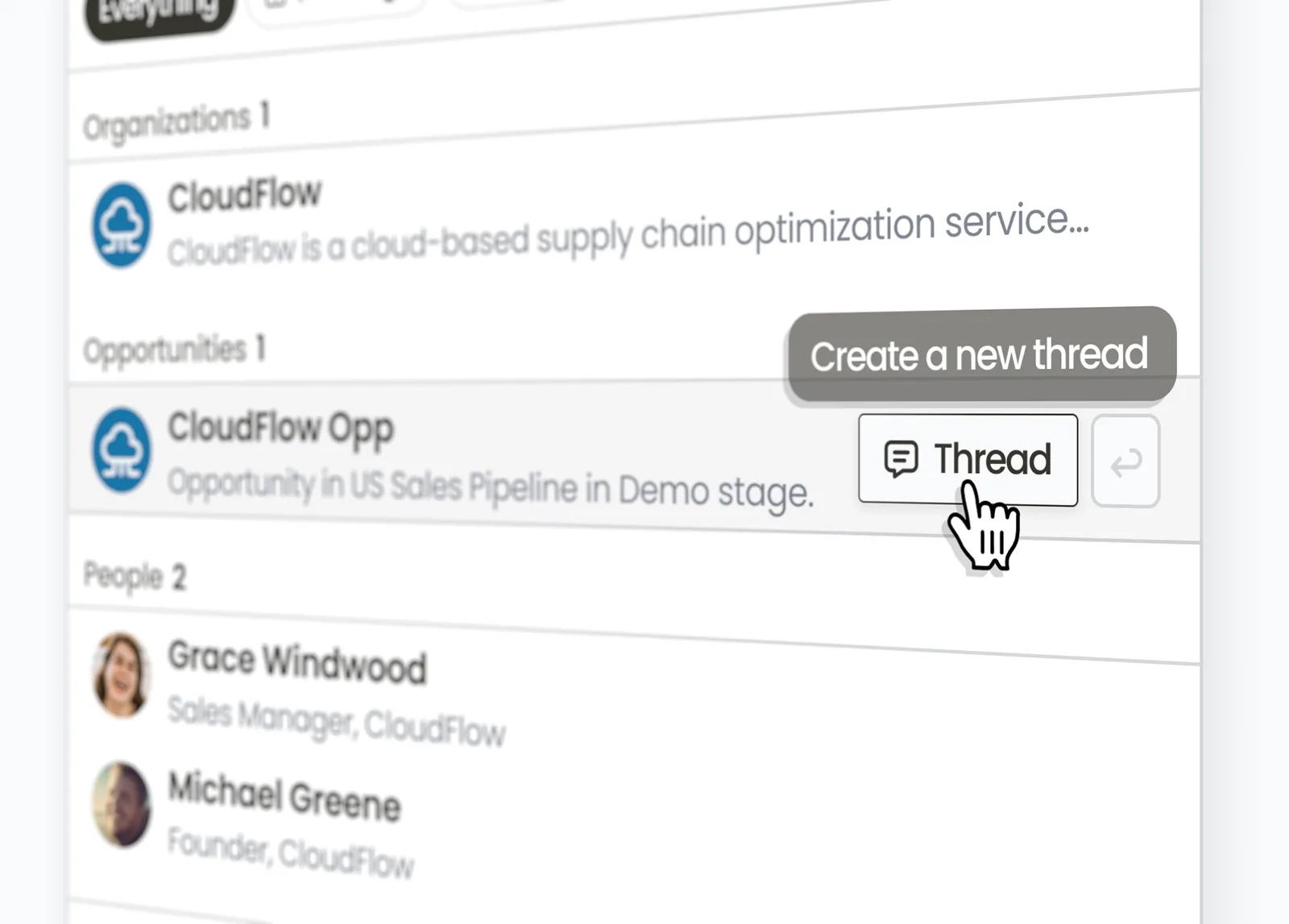
Start a thread from anywhere in Day.ai
Focus on what matters with intelligent context
Day.ai automatically pulls in the most relevant context for your question, incorporating data from your communication history across email, meetings, and Slack. Need more specific information? Use the context manager to add or remove context as needed, so you always get precisely the answer you're looking for.
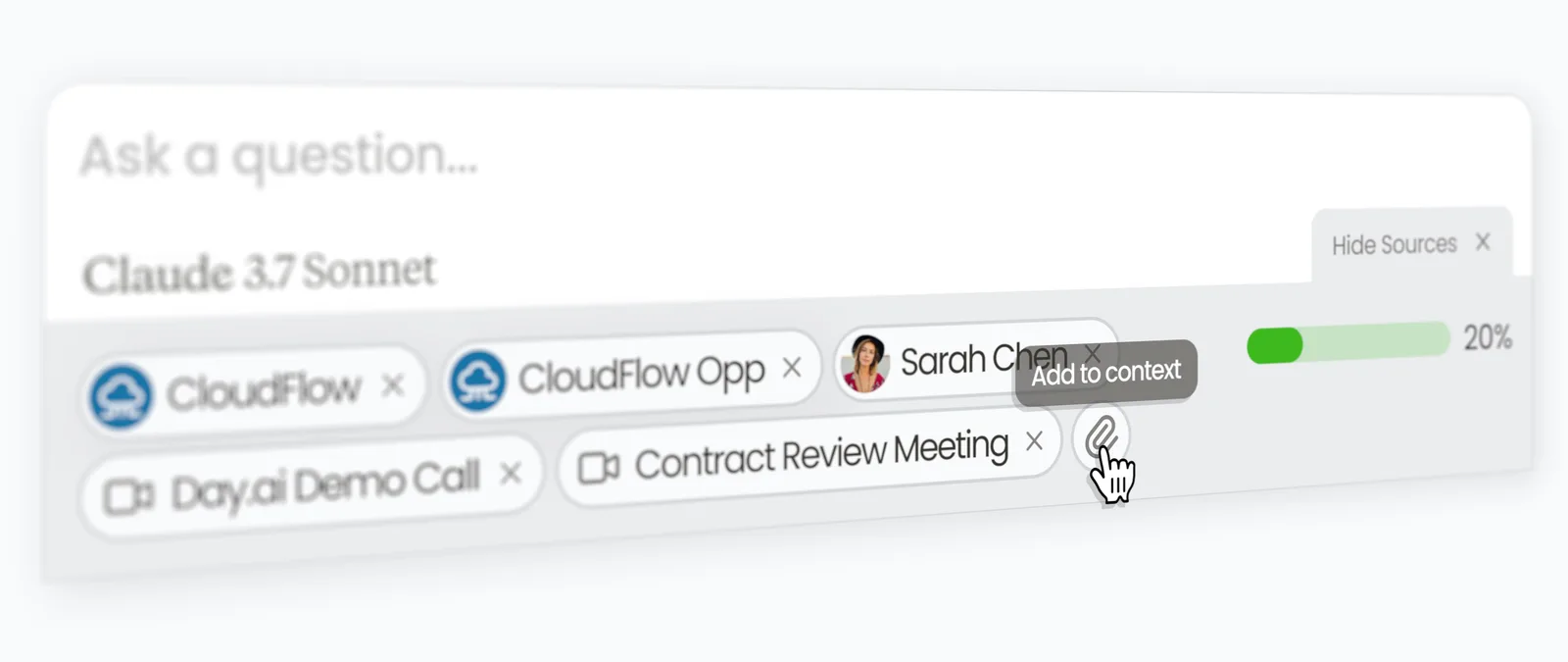
Context management for your CRM records, emails, meeting recordings, and Slack messages.
Move from data to decisions faster
Threads deliver concise, accurate responses that are no fluff - just the facts. And every answer includes interactive "record chips" that help you navigate seamlessly between your Thread and your structured CRM data.
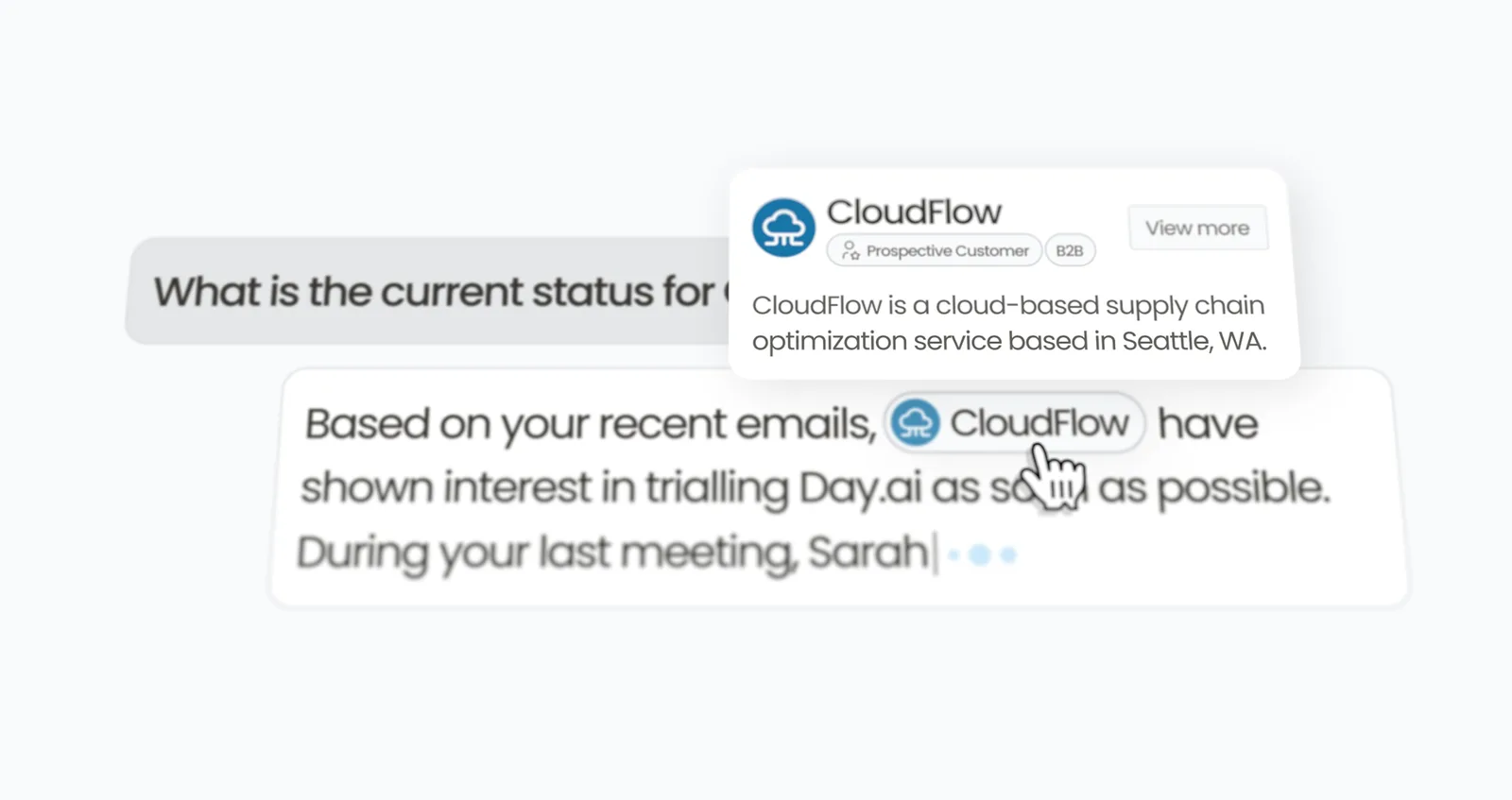
CRM records are cited directly in responses
Transform insights into shareable assets
When you need to share insights with teammates or prospects, Day.ai can automatically create Pages from your Thread responses. With granular access permissions, you can securely share these Pages with anyone — internally or externally.
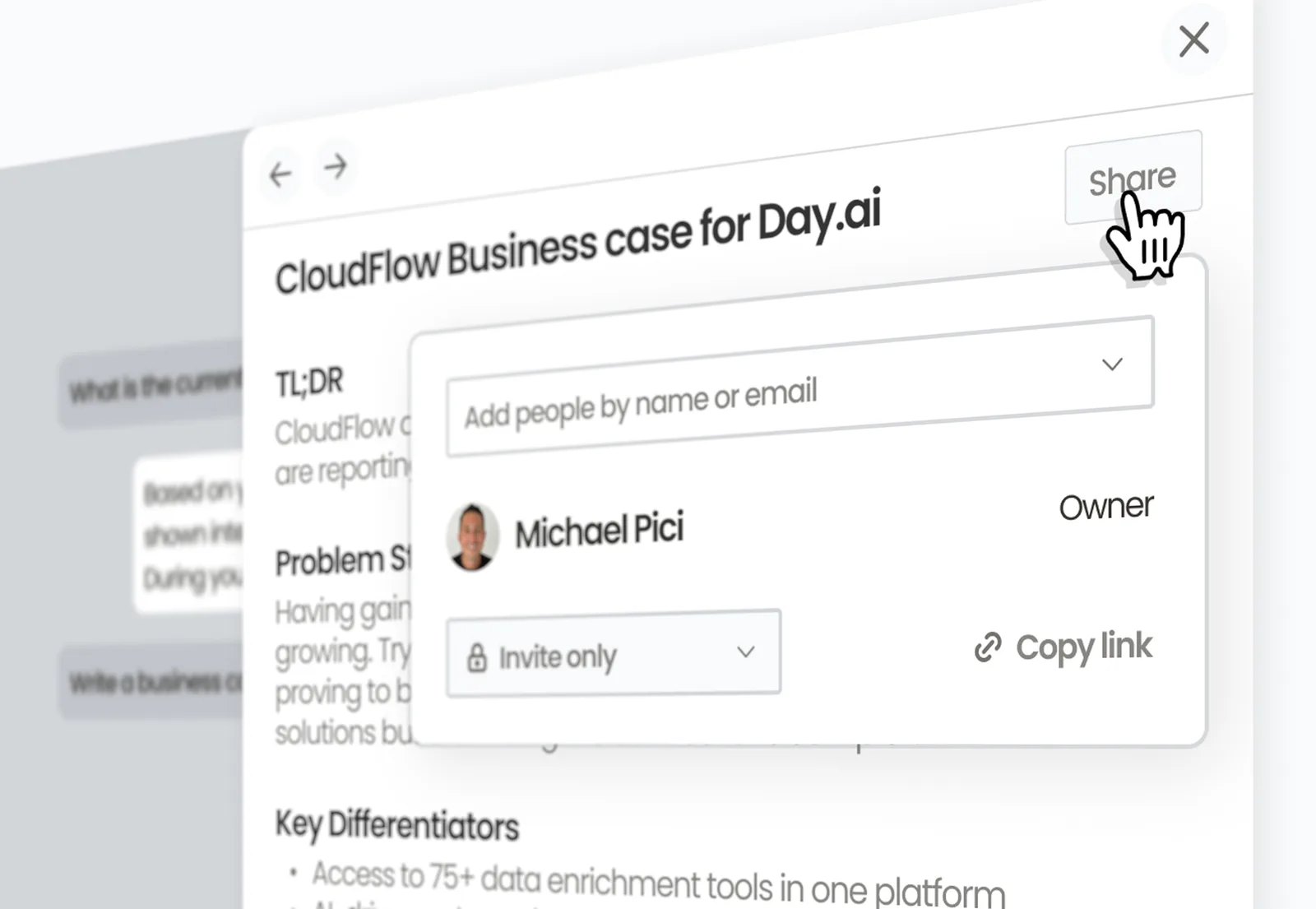
Try it now
Threads is available to all Day.ai users.
Hit Command+K, search for any record, and click "Thread." Or click "Thread" from any meeting, person, organization, or opportunity record in Day.ai.