Dashboards Get a Glow-Up
· Daphne Funston
Dashboards Get a Glow-Up
Agent-built pages render with a real widget system. Stat tiles show a headline number with a sparkline and a comparison. Bar lists shade each row by value and mark the benchmark on a distribution track. Heat matrices turn a two-dimensional breakdown into color instead of a grid of digits. Tables can format a column as a meter, a heat scale, a badge, or a stack. Panels, callouts, folds, meters, and inline chips are available as page building blocks, so a dashboard reads as a composed document rather than a dump of query output.
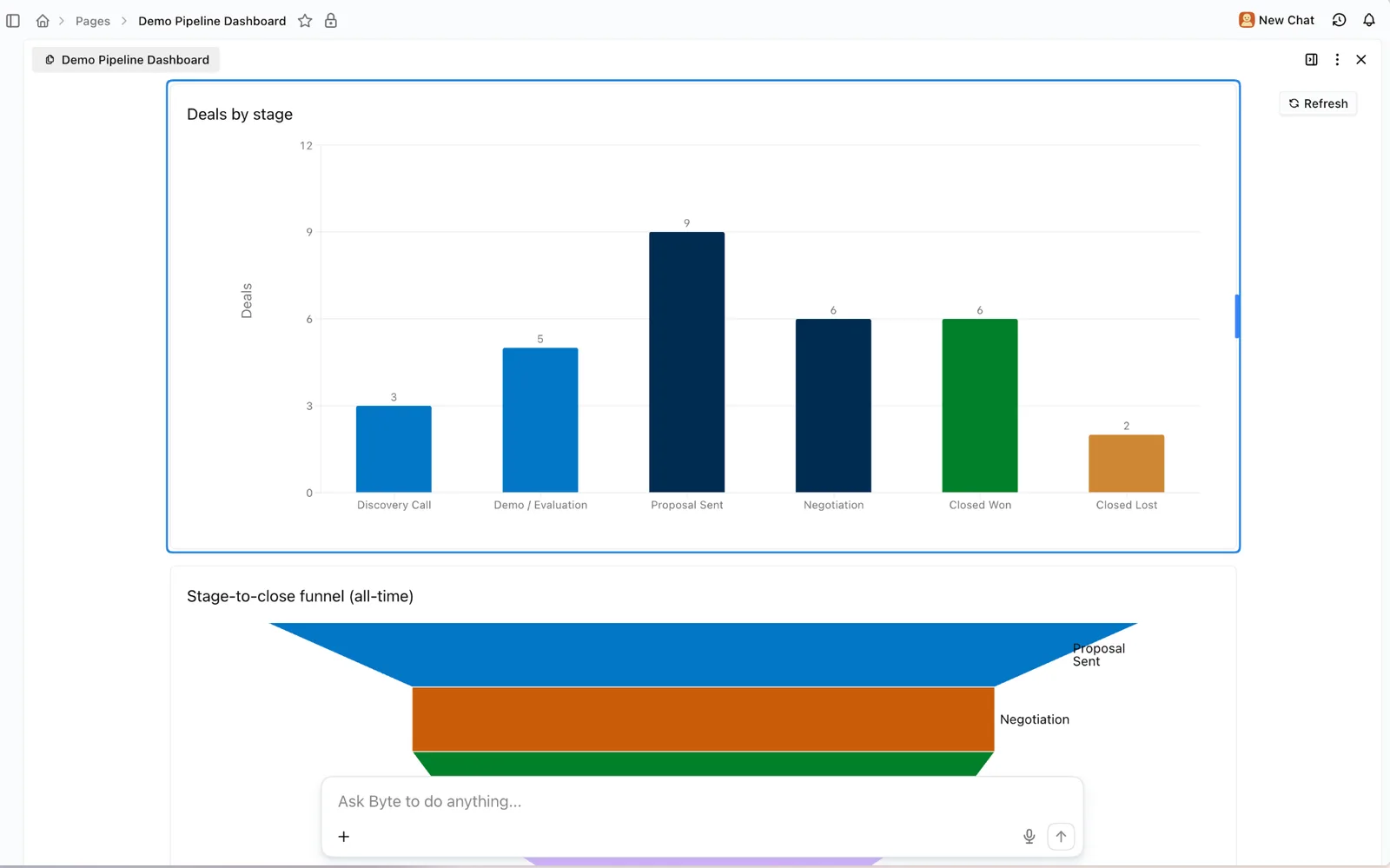
Everything is click-through. Clicking a bar list row, a heat matrix cell, or a stat tile opens the drilldown panel with the records behind that number, on both live widgets and static charts the agent built earlier. Grouped labels work too: click "Other" or "Unknown" and you get every row that folded into it, not an empty panel.
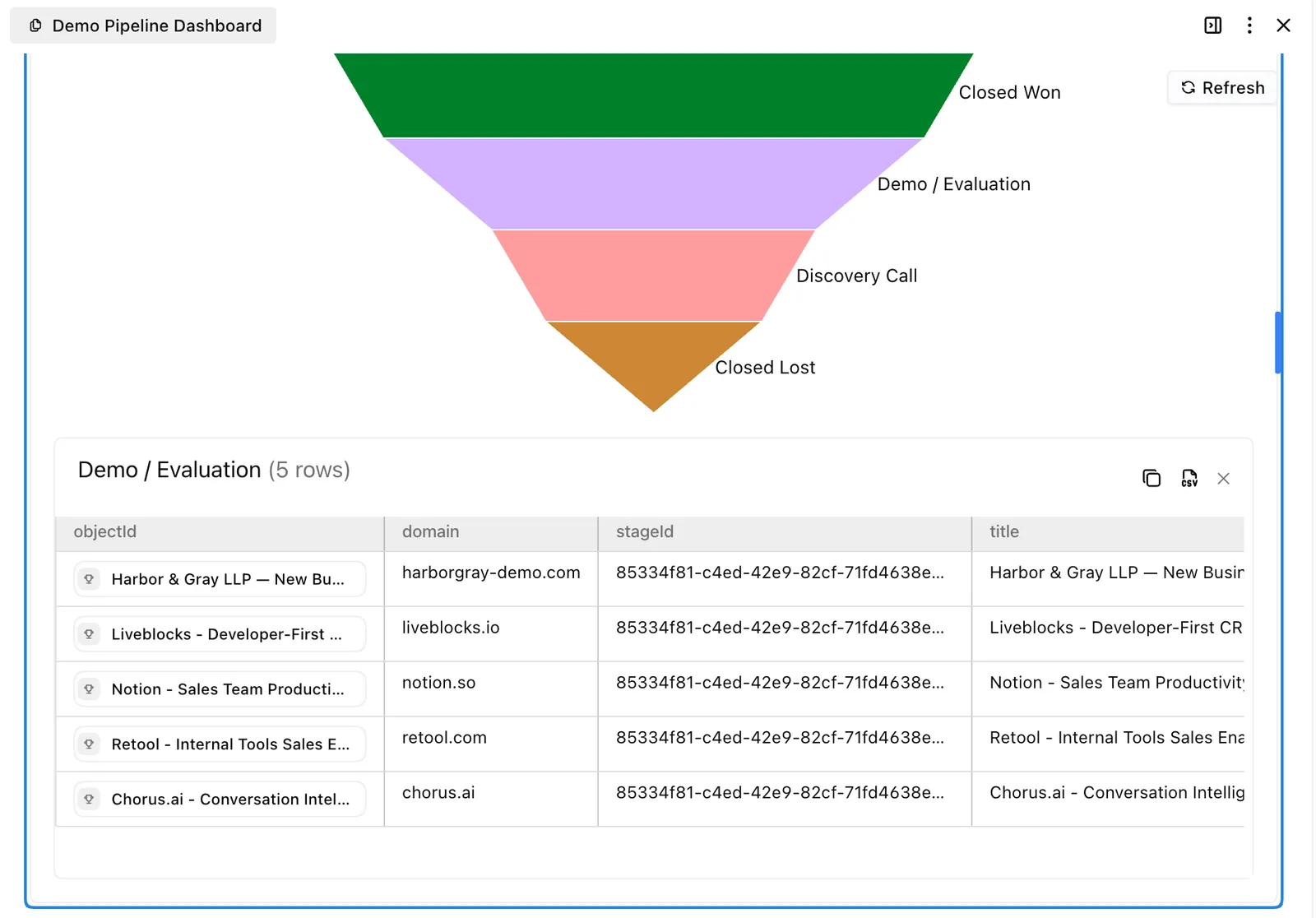
Charts are also harder to get wrong. A funnel with one populated stage renders as a compact bar list instead of a giant triangle. Recipes that reference a custom property that doesn't exist are rejected when the widget is saved, with a suggestion, instead of rendering as a blank marker or failing later when a teammate picks a filter option. Unresolved columns show a readable header instead of a raw property ID.
Also shipped
Momentum on People and Organizations: The Momentum activity strip, previously available only on Opportunities, can now be turned on for the Organization and People tables with the "+ Momentum" chip in the toolbar.
Readable agent replies in Slack: Assistant replies in Slack threads now convert headers, bullets, and emphasis to Slack formatting, and email replies get proper HTML.
Skill notifications hint at the missing channel: If a Slack channel isn't in a skill's notification picker, it's almost always because Day AI hasn't been added to that channel. The picker now says so and links to Integrations in a new tab, so you don't lose your unsaved skill edits finding out.
Admins can manage members from chat: Workspace admins can now change an active member's role or remove a member by asking, in addition to inviting and resending invites.