Introducing Reports & Analytics
· Michael Pici
Many of you have asked for better ways to understand your pipeline, track progress, and share results with your team and investors. Today, we're launching our new Reports & Analysis feature that gives you clear pipeline visibility without the traditional CRM reporting complexities.
This release is just the beginning of our vision for giving you a comprehensive understanding of your business - we're starting with the fundamentals and have much more coming.
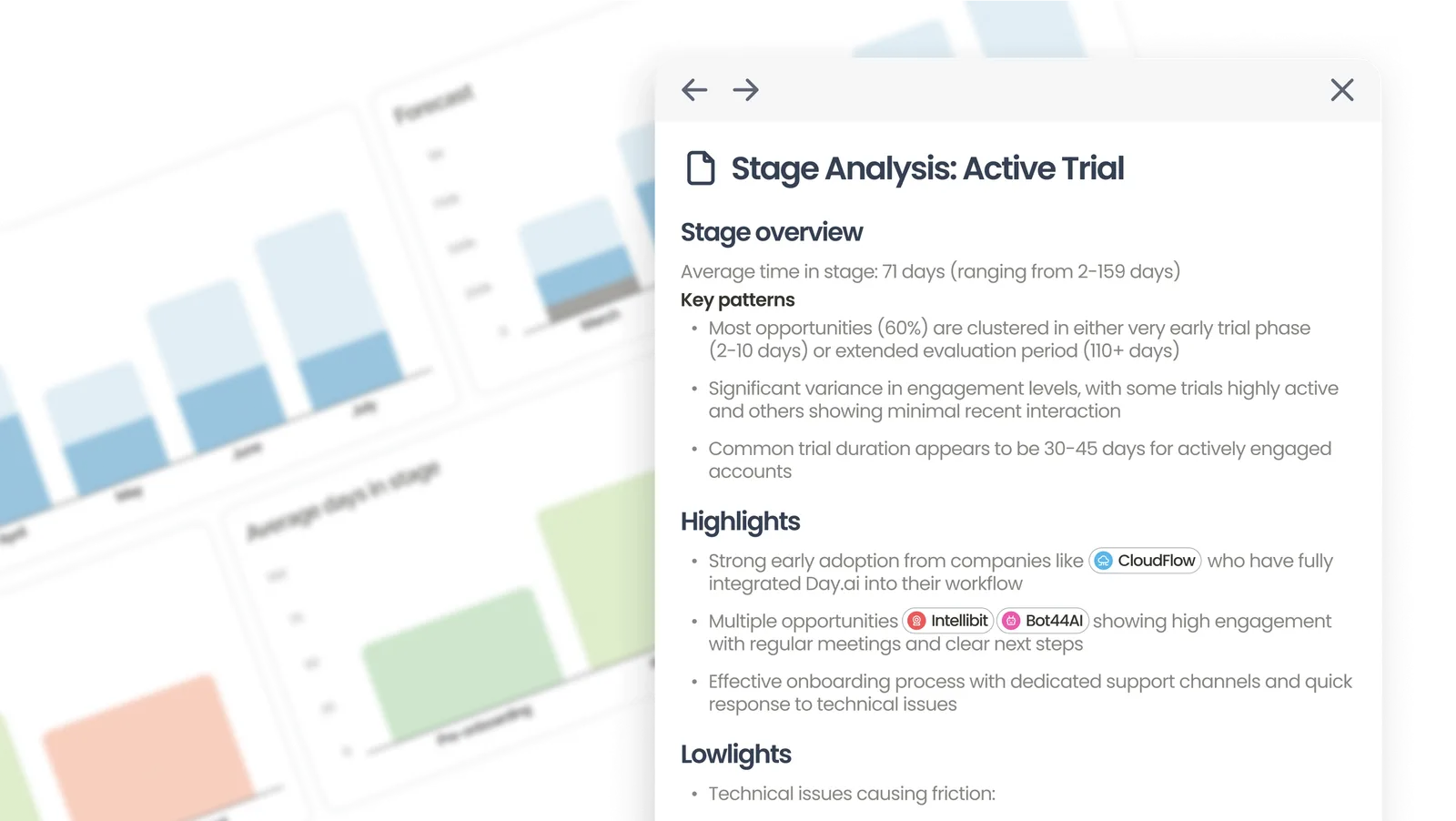
Out of the box structured reports. Use AI to produce analysis that leverages your conversation data automatically.
Why we Built It
Early-stage GTM teams shouldn't have to build custom reports just to see basic metrics like weighted forecasts and time in stage, and when it comes time to ask “why”, you shouldn’t need to gather information from multiple places to copy-paste into Claude or ChatGPT.
Making Sense of your Pipeline
Traditional CRM reporting requires you to know exactly what report you want, structure your data accordingly, and create multiple charts to identify meaningful patterns. And after all that work, you still have to analyze the results and make sense of the data!
With Reports & Analysis, we're eliminating inefficient workflows. We’re providing commonly requested reports out of the box, and we’re helping you get analysis leverage from the connected context Day.ai has for each of your opportunities - without the need to configure anything upfront.
What's Included:
Reporting:
- Weighted forecast for your pipeline
- Average days in stage per opportunity stage type
- Weighted forecast by pipeline stage
- Summaries of late-stage opportunities
Analysis:
- Pipeline Review: Get a comprehensive analysis of your full pipeline, including overall trends, highlights, lowlights, areas for improvement, and specific recommendations to enhance your forecast.
- Stage Analysis: A detailed overview, highlights, lowlights, analysis of stuck opportunities, and targeted recommendations for improving throughput of a specific pipeline stage.
Try it Now
The Reports & Analysis feature is available to all Day.ai users. Navigate to the new Reports tab to get started.