New controls for meeting recording
· Christopher O'Donnell and Michael Pici
We've been listening closely to your feedback, and we're excited to share major improvements that give you more control and clarity over recording.
Start recording on demand
Sometimes meetings start early, or you want your Day.ai Assistant to arrive ahead of other participants. Now you can instantly start recording - even before the scheduled meeting time. Simply click "Start Recording Now" from and your assistant will immediately join the meeting.
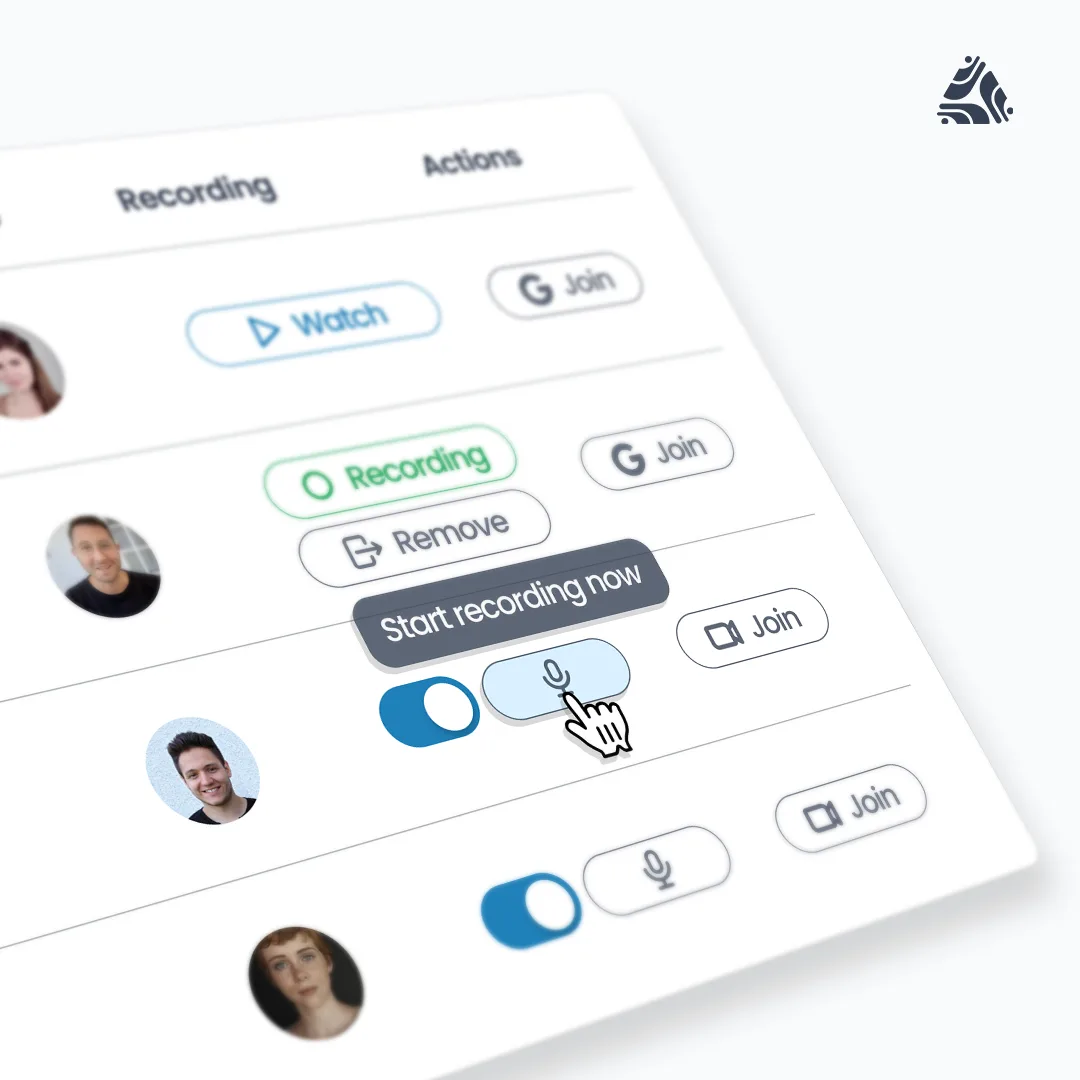
Video meeting recording controls in Day.ai
Full control, even as a non-host
You should have complete control of your Day.ai Assistant, regardless of whether you're the meeting host. Now you can:
- Remove your assistant from a meeting by clicking "Remove" from Today
- Use the new "/day leave" command directly in the meeting chat
- Resume recording anytime by clicking "Start Recording Now" on Today to have Day.ai rejoin the meeting
Better visibility
We've enhanced recording status messages and notifications to provide more clarity. Now you’ll:
- Receive clear notifications when recording is denied by a host
- See real-time recording status updates on Today (previously the status only was shown after the meeting ended)
These improvements are live now for all users.