New in Day AI: Pipeline Notifications, Compose and Send Email, and Dark Mode
· Michael Pici
We've just shipped three features that will improve your Day.ai experience. Each one addresses specific friction points we've noticed and will make your workflow smoother and more transparent.
Pipeline Change Slack Notifications
Now when new opportunities get created or existing opportunities get updated, we’ll push those notifications right to your team's Slack channel. You'll see exactly what changed and why - no more wondering if Day.ai is doing the right thing.
To turn this on: Create an internal Slack channel for pipeline notifications → Connect Day.ai to Slack → Add Day.ai to your channel → Go to workspace notifications and select your channel under Opportunity Notifications. Done.
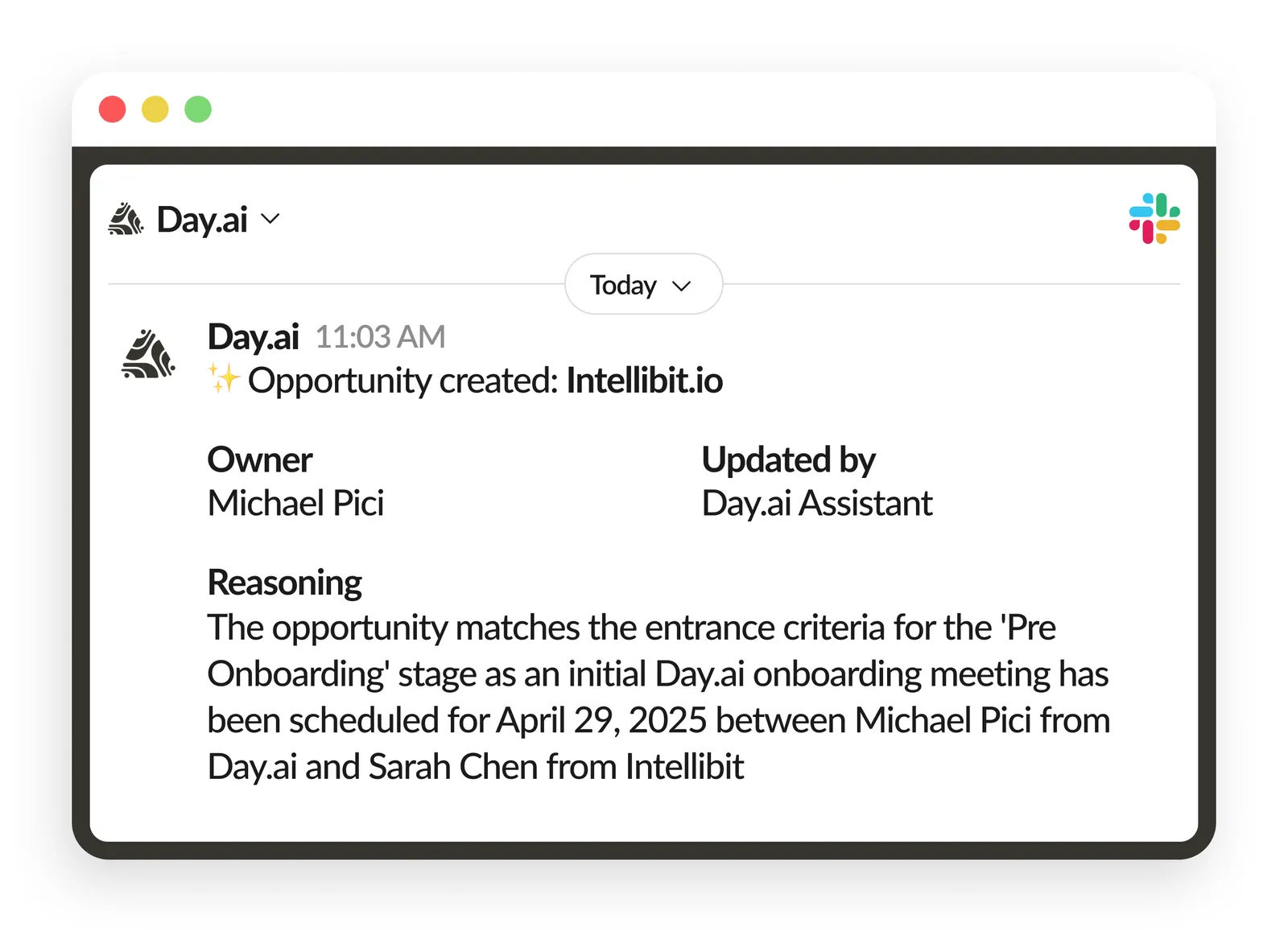
Opportunity creation and stage change notifications in Slack with reasoning.
Compose and Send Emails Within Day.ai
We noticed you were asking Threads to write emails, but still had to copy and paste them to Gmail in order to send. That seemed silly, so now you can send emails directly from Day.ai. When Threads drafts an email, you can review it and hit send without leaving.
To use it: Ask Threads for an email draft or open an Action and generate a draft.
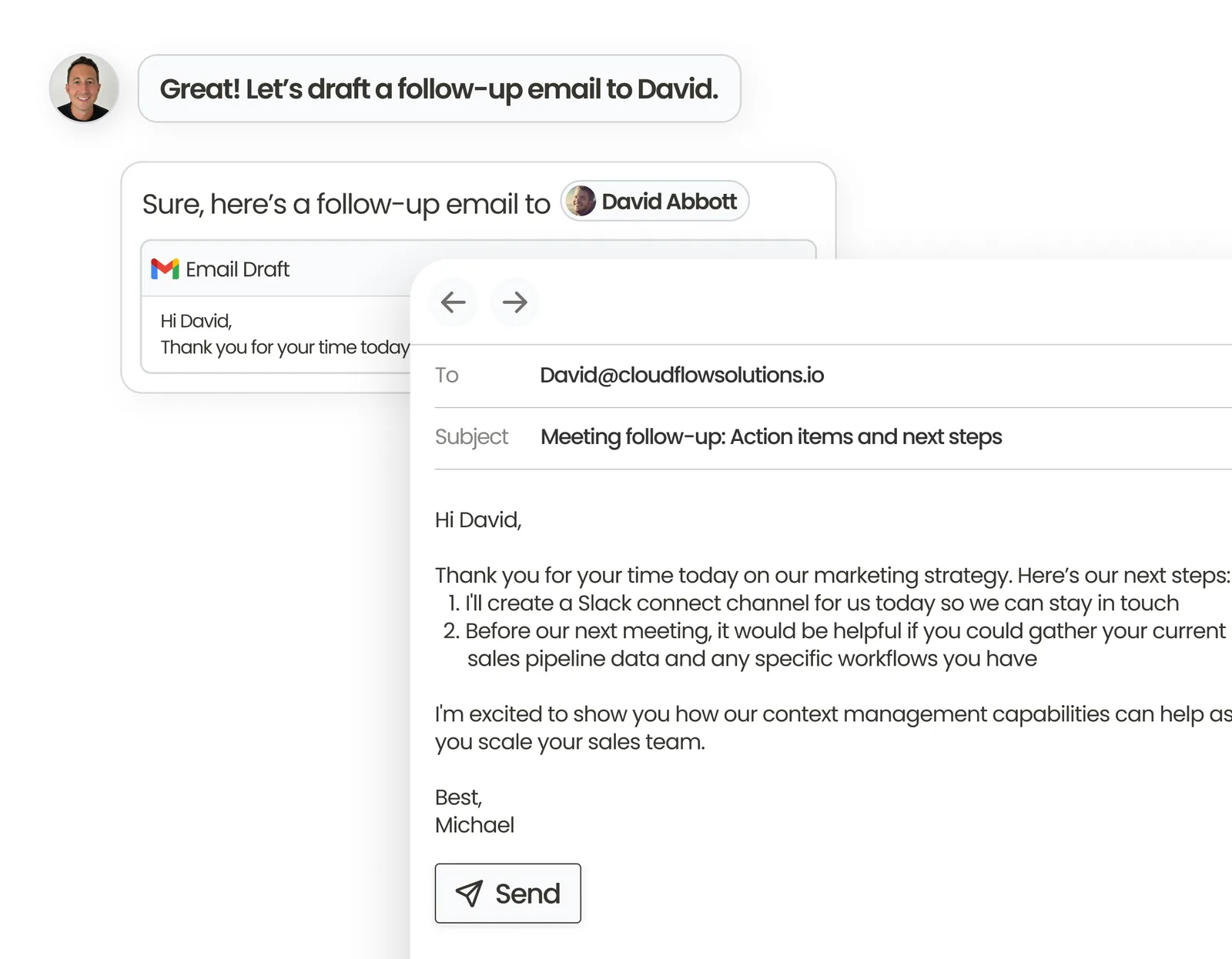
Generate email drafts using your CRM, email, meeting recording, and Slack message context.
Dark Mode
For those late night work sessions. You can now toggle Dark Mode on or off directly in your Day.ai user settings.
If you have any questions or feedback, just hit reply and let us know.
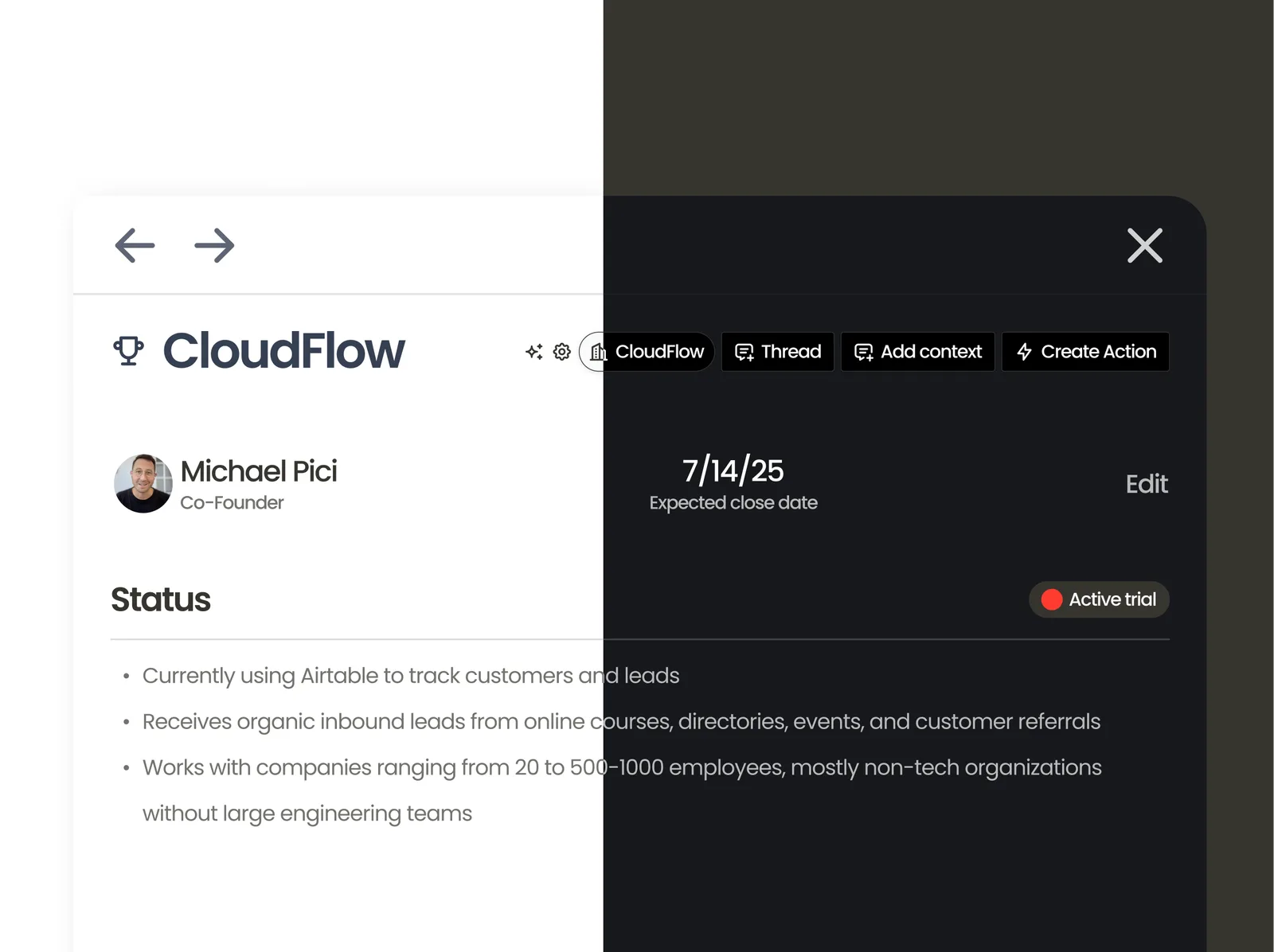
Dark mode