Search for meeting recordings, improved sidebar navigation
· Christopher O'Donnell and Michael Pici
Each of us took some time off during the holidays, but not before making some major improvements to the Day.ai features you requested most.
Navigate to any meeting recording instantly
You asked, we delivered! Meeting recordings now appear in global search.
Need to quickly reference a specific past conversation? Search and find any meeting recording, person, organization, or opportunity. We also made the meeting recordings page load instantly, so you can jump right into the content you need.
Jog your memory faster and see the full picture
Getting ready for a meeting or reviewing an opportunity? We've revamped the organization and opportunity sidebars to give you instant access to the most relevant information. In addition to showing improved summaries, we're on a mission to show more of the "thinking" behind how Day.ai categorizes things. Here are a few examples:
- Organization summaries now include a paragraph about your last interaction – perfect for quickly remembering the outcome of your previous conversation.
- Hover over people associated with organizations and opportunities to understand their roles and our reasoning – helpful for understanding the deep thinking Day.ai does about how to best approach an opportunity.
- Hover over opportunity stage indicators to see the thinking that went into stage classification. This helps you understand how the system works and shows you if it's missing important context.
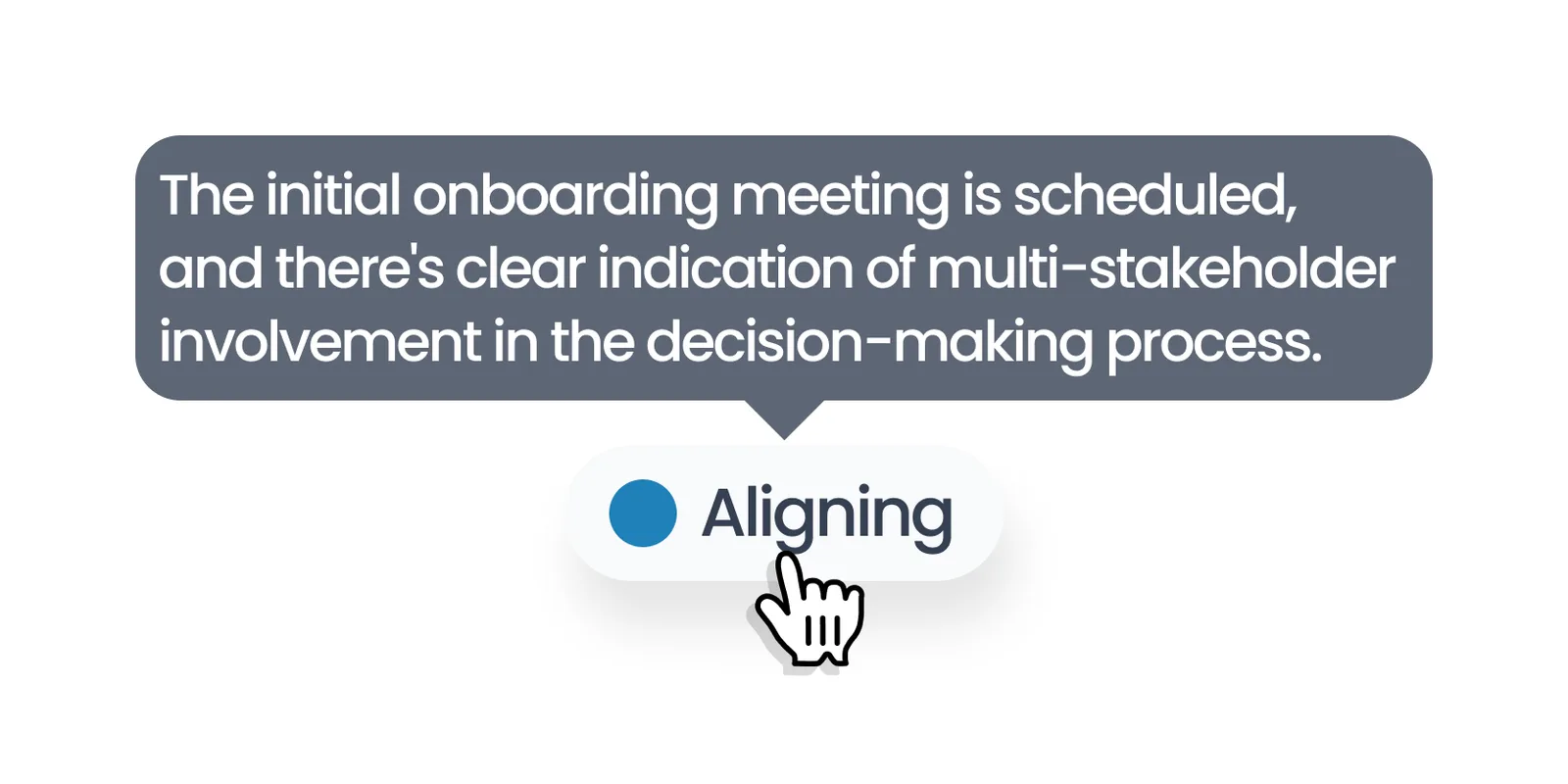
Day.ai CRM "reasoning" features
Improved sidebar usability
We know you move quickly between different views while preparing for meetings or analyzing your pipeline. Now you can:
- Navigate between organizations, opportunities, and people without losing your history. We've added back and forward buttons to the sidebar so you can flip through records without starting from scratch.
- Sidebars now close automatically when you navigate to a new page, and you can click anywhere on the screen to close a sidebar anytime.
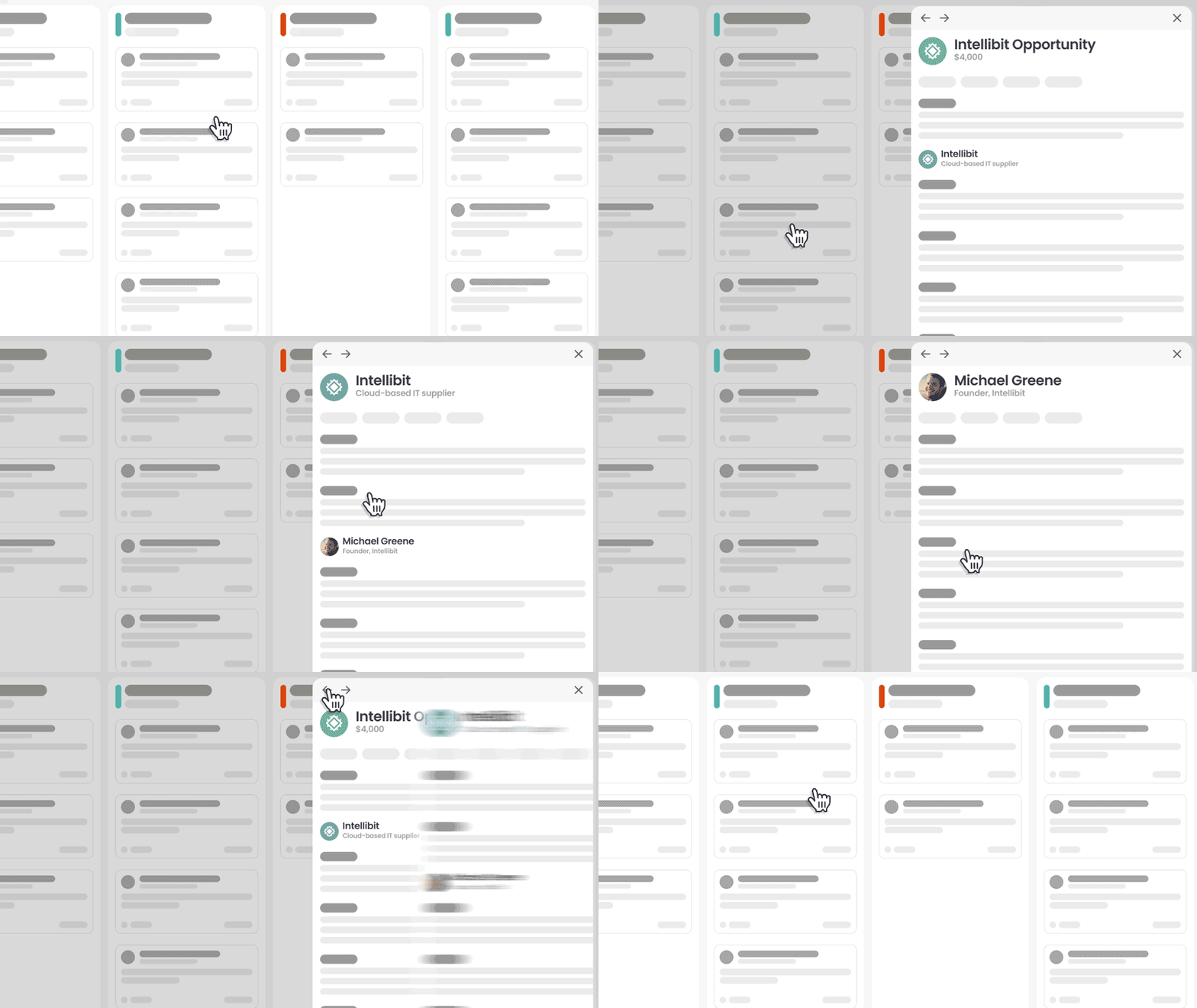
We're designing Day.ai to fix the "20 open CRM tabs" problem
These improvements are available to all Day.ai users immediately.
We have some big releases planned, and we also remain committed to continuously refining your daily experience with Day.ai. Thanks for being on the journey with us.